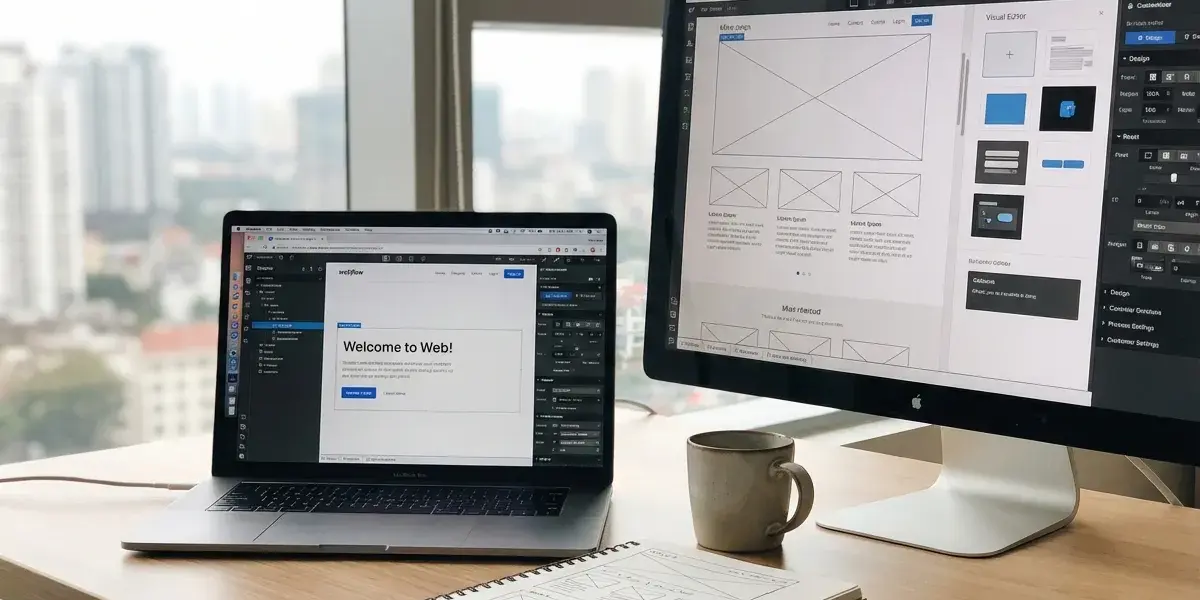
Having spent my youth fiddling with code and confusing plugins, I almost gave up until I found Webflow. This Webflow professional website design platform is truly a "truth" that helps you build SEO-standard websites from A-Z without writing code.
So is Webflow the solution to your website design problem?
Sure, especially if you value aesthetics and performance and don't want to rely entirely on a programmer. This is a comprehensive website building tool that completely changes the way we approach web design.
What is Webflow?
Simply put, what is Webflow? It is a drag and drop website design tool with visual images, but automatically outputs clean source code like a professional programmer would write it by hand. You don't need to open complicated code editors.
Instead of typing each line of HTML or CSS commands, you just need to operate directly on the screen. Recently, this platform also integrates the power of artificial intelligence, providing an extremely fast and modern how to create a website with ai. However, it is not just a simple page builder but a powerful No-code platform, allowing deep intervention into the web structure.
Who is best suited to use Webflow?
Webflow was born to serve small business owners, marketing experts, web designers and Vietnamese freelancers. At Pham Hai, we find this to be the perfect tool for those who want to manually manage their website and optimize user experience (UX/UI).
In particular, Webflow for freelancers and Webflow agencies are a sharp weapon to provide high-end website design services. Even if you want to go further, combining no-code with tools Coding web applications with AI without experience is becoming an explosive development trend in 2026.
Quick comparison with WordPress
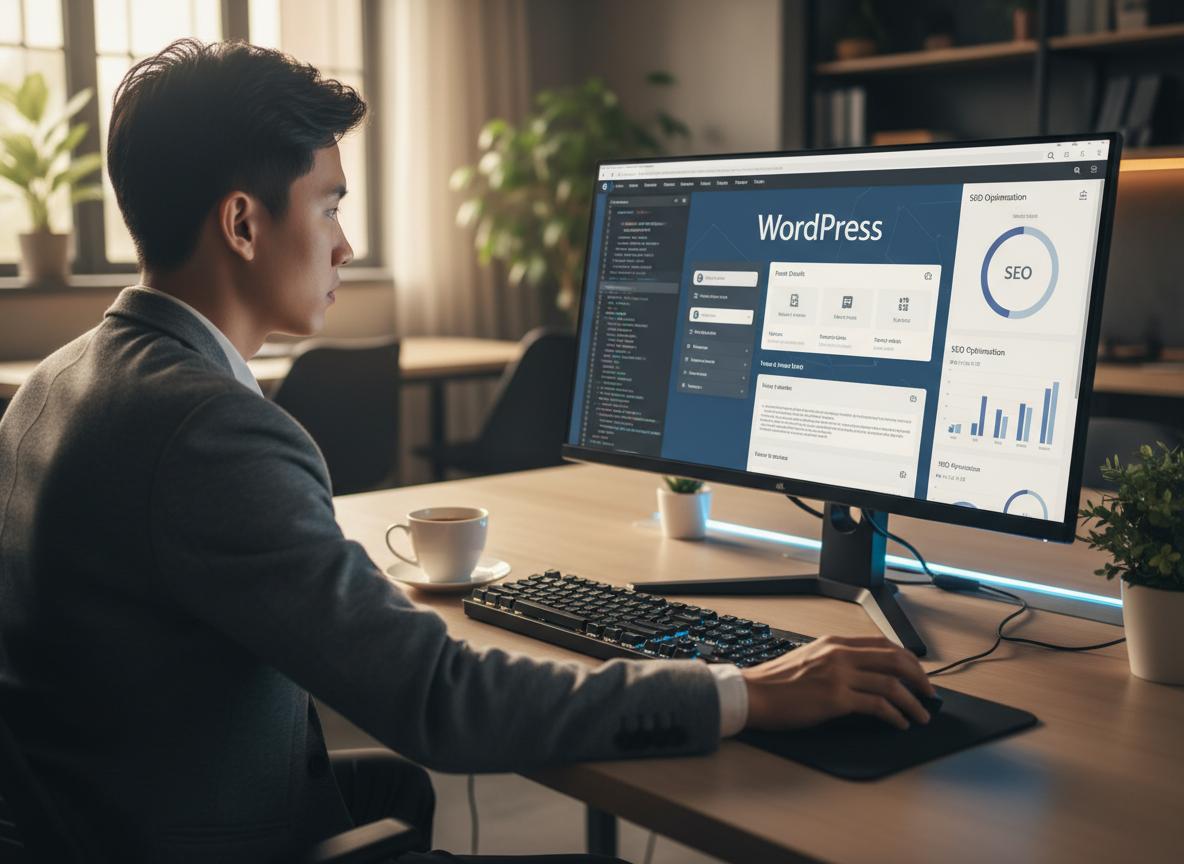
Webflow is like building a unique house yourself, while WordPress is like buying a pre-built house and redecorating it with plugins. For those new to the profession, learning what wordpress is will help you realize the basic difference in systems thinking between these two platforms.
If you've ever used page builders and wondered what elementor is, Webflow offers a similar intuitive interface but outputs super lightweight code with fewer bugs. It offers outstanding customization without being dependent on rigid Webflow templates.
| Criteria | Webflow | WordPress |
|---|---|---|
| Bảo trì & Hosting | AWS built-in, no need to update the system | Buy hosting yourself, have to update core/plugins regularly |
| Tùy chỉnh giao diện | 100% creative freedom through intuitive interface | Highly dependent on third-party Themes or Page Builders |
| Bảo mật | Default SSL certificate, closed architecture is extremely difficult to hack | Vulnerable to attacks if using pirated or not updated plugins |
These "money-making" advantages make Webflow the top choice
Freedom in design, powerful search engine optimization platform, high security and flexible content management system are the most prominent advantages and disadvantages of Webflow that you need to pay attention to.
Unlimited creative freedom
You are no longer bound to available templates. Every detail on your website can be easily customized through Webflow's intuitive interface. You have complete control over HTML, CSS and JavaScript properties through the panels on the right side of the screen.
The system supports Responsive design perfectly, helping the website display smoothly on all devices from desktop to mobile. The Component Canvas update in early 2026 makes the design and management of interface components more unified and professional than ever.
Golden foundation for SEO
Webflow automatically generates clean, lightweight source code, contributing to extremely fast page loading speeds. Many people wonder if Webflow is good for SEO, the answer is extremely excellent. You have full control over on-page SEO elements like meta title, meta description, image alt tags, and URL structure.
In particular, based on the latest updates as of early 2026, Webflow has integrated a suite of SEO and AEO (Answer Engine Optimization) tools using AI. This system automatically audits the entire website to detect missing meta tags and automatically creates accurate Schema Markup. Building an SEO-standard website with Webflow has never been so easy and optimal.
Top notch security and hosting
Forget about worrying about constantly updating plugins or having your website hacked. Webflow provides a world-class Webflow Hosting system built on the powerful AWS infrastructure.
Every website comes with a free SSL certificate and the Fastly global content delivery network (CDN) built-in. This ensures your website always operates stably, securely and has a response speed of milliseconds, no matter where in the world users access it.
Intuitive CMS system
Manage content, blog posts or products easily right on the website interface, no need to go to the complicated administration page. Webflow's CMS system allows you to edit on-page extremely smoothly.
With the Real-time collaboration update officially launched globally in February 2026, multiple team members or customers can edit content on the page at the same time. You will no longer have to worry about data conflicts or overwriting each other's content.
However, nothing is perfect - Disadvantages of Webflow you need to know
Higher maintenance costs, a steep learning curve, and a not-so-huge extension ecosystem are barriers you need to consider carefully before deciding to use it.
The cost may be higher than starting with WordPress
The initial investment in Webflow is more expensive than buying cheap external hosting and themes. Therefore, many businesses with really tight budgets still prioritize web design with wordpress in the early stages of starting a business.
However, in terms of long-term costs (no money to hire maintainers, fix plugin errors, prevent hacking), how much Webflow costs is no longer a big problem compared to the actual value it brings to the stability of the business.
It takes time to learn and get used to
Even though it is a no-code website design platform, you still need to understand the basic concepts of web design to take full advantage of its power. Webflow design process requires you to master the thinking of Box Model, Flexbox or CSS Grid.
At Pham Hai, we always recommend that new users spend at least 1-2 weeks watching basic Webflow usage videos on Webflow University. Having a solid grasp of the design thinking foundation will help you avoid being surprised as the project grows bigger and bigger.
The ecosystem (templates, plugins) is not as diverse as WordPress
Webflow manages their platform very tightly to ensure clean code and top performance. Therefore, their application and plugin stores cannot be as massive or as high-quality as open source platforms.
For example, if you do complex e-commerce and know what woocommerce is, you will find that Webflow's E-commerce package still has certain limitations. Domestic payment gateway options in Vietnam or specific sales features still require the use of third-party integration tools.
Putting it on the scale: When should you choose Webflow and when is WordPress still "king"?
Choosing a platform depends entirely on whether you prioritize exclusivity, safety and performance, or need a low-cost ecosystem with tons of built-in features.
Choose Webflow if:
You prioritize uniqueness in design, need extremely fast page loading speed, absolute security and want an "all in one" solution without worrying about technology.
In many previous articles comparing wordpress and wix/blogspot, I have emphasized that using Webflow to design a professional website is on a completely different level. It was created for brands that want to make a strong impression through a smooth user interface and experience.
Choose WordPress if:
You're on a tight budget, need a website with complex features available via plugins (like forums, private payment gateways, mini social networks), and don't put too much emphasis on unique design. WordPress or Wix are still good choices for projects that need to be deployed very quickly based on available templates without paying too much attention to the strict Core Web Vitals score.
How much does it actually cost to use Webflow?
Webflow costs are divided into two main categories: Workspace Plans (for group work) and Site Plans (for publishing websites on private domains). Below are the latest updated prices for 2026.
Packages for individuals and freelancers
Account/Workspace Plans are used to build and manage multiple projects in your workspace.
- Gói Starter: Hoàn toàn miễn phí. Phù hợp để bạn học tập và làm quen với giao diện.
- Gói Freelancer: Miễn phí cho cá nhân làm việc độc lập, cho phép quản lý tối đa 10 dự án nháp (staging sites).
- Gói Core: Giá 19$/tháng/người (thanh toán năm). Dành cho các team nhỏ cần cộng tác thiết kế với khả năng chia sẻ code tùy chỉnh.
Package for customer's website
When you want to officially launch your website with your own domain name, you will need to purchase Site Plans for each specific website.
| Site Plans Name | Price (Billed annually) | Suitable for |
|---|---|---|
| Basic Plan | $14/month | Static website, simple landing page without CMS |
| CMS Plan | $23/month | Blogs and corporate websites need to manage up to 2,000 content items |
| Business Plan | $39/month | Large corporate website, high traffic, up to 10,000 CMS entries |
| E-commerce Standard | $29/month | Basic online store with shopping cart and checkout features |
Webflow is not for everyone, and it is not a WordPress replacement. It is an outstanding choice for a specific group of users: those who value creativity, performance, and professionalism. At Pham Hai, we believe that if you want to build a website that is truly your own, SEO-compliant and operates smoothly, investing the time and budget in Webflow is completely worth it.
Want to experience the power of this platform for yourself? Start building your first project today for free. If you need a companion in your journey of applying Webflow to design a professional website, do not hesitate to contact Pham Hai for dedicated advice!
Note: The information in this article is for reference only. For the best advice, please contact us directly for specific advice based on your actual needs.

![Make (Integromat) Tự Động Hóa Nâng Cao: Tối Ưu Hóa Với AI [Chuyên Gia]](https://phamhai.s3.vn-hcm-1.vietnix.cloud/wp-content/uploads/2026/03/ai-make-integromat-tu-dong-hoa-nang-cao-toi-uu-hoa-vo-featured-607-600x400.webp)