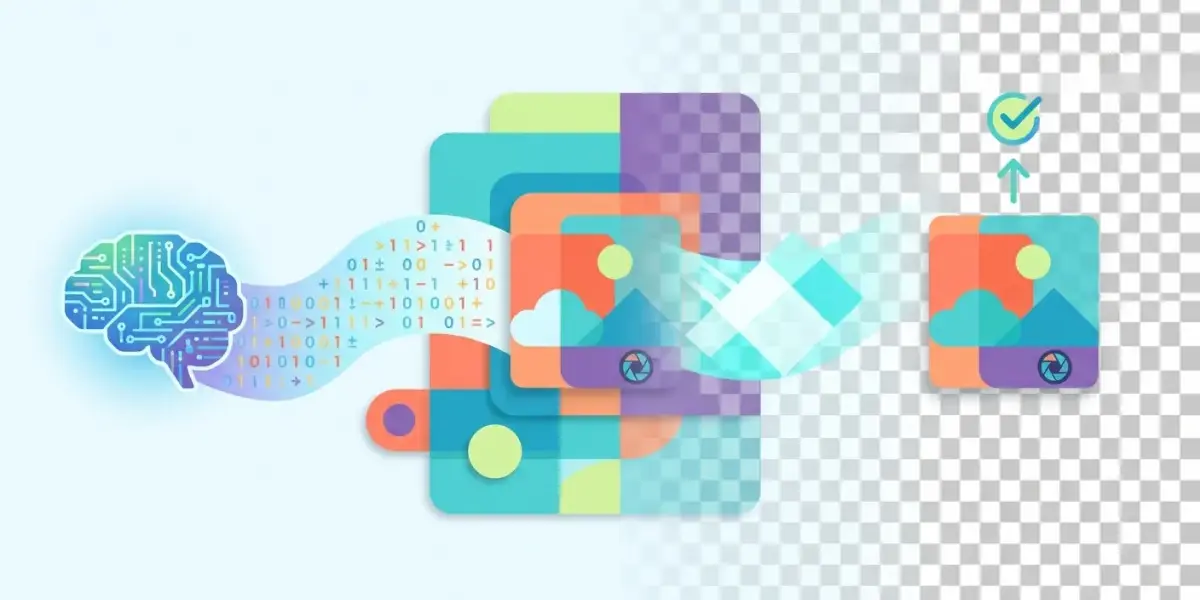
Back then, every time I needed to separate the subject of a photo, I had to open heavy design software and fiddle all day with complicated area selection tools. Now I'm healthy again! I have just compiled super good remove background AI tools to remove photo background for free. Just one click and it's done in seconds, the quality is sharp and not inferior to professionals, helping you save maximum editing time.
Top 5+ "magical" free AI photo background removal tools that non-professional designers must know
Below is a list of high-quality photo background removal websites and the best photo background removal apps on phones as of 2026, integrating smart artificial intelligence technology.
Remove.bg - The "king" of background removal, quickly and accurately.
Remove.bg is the leading online tool that quickly removes background in just 5 seconds with extremely high accuracy.
This tool is extremely famous among content creators. You just need to throw in the photo, AI will automatically analyze and return transparent background results. Even if it's difficult details like cloud hair or pet hair, Remove.bg still handles it smoothly. The free version allows downloading standard resolution photos, perfect for CV avatars or daily social media posting.
Adobe Express - "Original" Adobe product, free but high quality.
Adobe Express provides a free photo background removal feature with the power of the professional Adobe graphics ecosystem.
If you need HD photo quality but don't want to pay a monthly fee, this is the deal. Just create a free account, you can use AI to remove extremely sharp photo backgrounds, without reducing resolution at all. The interface is easy to use, the operation is smooth and does not require any graphics skills from the user.
Photoroom - Not only removes the background but also creates a magical background using AI.
Photoroom is an excellent photo background removal app on phones and web, integrating the innovative AI background change feature.
I absolutely love using Photoroom when making e-commerce photos. After separating the subject, this tool suggests a series of magical studio backgrounds to combine. It helps retouch online product photos to look like they were taken in a professional studio. With just a smartphone, you can create endless visual content.
Canva - An all-in-one ecosystem, remove the background and design right away.
Canva offers a free AI photo background removal tool (usually included with your Pro trial or education account) built into the designer.
Canva's strength is its seamlessness. Edit photos online, remove extra objects, add text, blur the background... all neatly in one browser tab. Designing has never been so easy. If you are looking for solutions to automate design and marketing work today, checking out Top most useful free AI tools of 2026 is an extremely smart move.
Slazzer - Optimal choice for batch image processing.
Slazzer is a powerful photo background removal software without Photoshop that supports processing thousands of photos at the same time automatically.
For shop owners who need to make large quantities of product photos, Slazzer is the savior. The processing speed of this platform is lightning fast, retaining the complex edges of the product very well. You can export the file to PNG JPG format as desired to serve many different printing or web posting purposes.
Cutout.pro - Versatile AI toolkit, from background removal to old photo restoration.
Cutout.pro is not only a free way to remove photo backgrounds online, but also a comprehensive automatic photo editing AI platform.
This platform is extremely versatile. In addition to separating the background, I often use it to sharpen old photos or remove strangers from travel frames. Its artificial intelligence technology intelligently recognizes the context, automatically compensating pixels to be as natural as possible, without any artifacts.
Why do I "love" AI to erase the background rather than sitting around with Photoshop?
Using AI to remove the background brings absolute convenience, helping ordinary users save time and effort while still having beautiful products.
Saving time is gold: Seconds versus tens of minutes, even hours.
Instead of painstakingly cutting each pixel, AI completes background separation in just 3 to 5 seconds.
In the past, cutting a photo of a model with curly hair using the Pen Tool would have taken all morning. Now throw it at AI, turn around and take a sip of water and come back and you're done. At Pham Hai, optimizing working time is always the number one priority for our team to focus on more important strategies.
No graphics skills needed: Intuitive, drag-and-drop interface.
The top photo background removal applications are all designed in a drag and drop format, so anyone can use them the first time they contact them.
You don't need to know layers, masks or complicated design terms. How to remove photo background quickly and free? Just open the website, upload a photo, press the "Remove Background" button and the system will take care of the rest. Very friendly to startups or students.
Incredible quality: AI now processes hair and fur extremely well.
AI algorithm technology in 2026 has reached maturity, perfectly removing microscopic details without damaging the subject edges.
Many people are afraid that AI will cut into the product. But believe me, the latest updates now handle the edges very soft, without white edges or jagged edges. Even in slightly underexposed photos, it still recognizes the context accurately.
Completely free: The free package is enough for personal needs.
Most sites offer free credits every day or basic plans for you to process your images without spending a dime.
You don't need to spend money to buy expensive software licenses. With the need to post Facebook posts, make Youtube thumbnails or design presentation slides, these free applications are more than enough.
Tips for applying AI background removal in practice to "make money"
Background separation is not only for fun but can also be applied directly to sales and building a very effective personal brand.
Retouch photos of products sold online to sparkle like a professional studio.
Removing the background of online product images helps synchronize stores on Shopee and Tiktok Shop, contributing to increasing order conversion rates.
Customers often like to see products on a clean white background or an eye-catching pastel color background. I often use my phone to take pictures of products at home, then throw them through AI to separate the background and then add shadows. It looks much more luxurious and the cost is zero. When you post this series of product photos on your sales website, don't forget to apply the techniques reduce the size of wordpress webp images to ensure the page loading speed is always smooth.
Create profile pictures, CV photos with transparent background or change background in 30 seconds.
Instructions for removing photo backgrounds with AI to have professional card photos and resume photos right at home are extremely simple.
Need to submit your CV urgently but only have a selfie outside the cafe? Just use the online tool to separate the background, then fill it with a blue or light gray background. So you have an extremely prestigious profile photo to send to employers.
Quickly design photos to post on social networks, unique YouTube thumbnails, and attract views.
Separating the subject from the background helps you easily insert large text, creating a prominent white border for video thumbnails on social networking platforms.
Youtubers or Tiktokers often use this trick. They cut out facial expressions and put them on a colorful background to attract viewers' attention. This way of using AI to remove photo background helps your video stand out among thousands of other videos on the news feed.
A few small notes to help AI erase the background of your photo "just like that"
For the tool to work most effectively and produce satisfactory results, you need to pay attention to the quality of the input image and a few small operations.
Choose an original photo with high contrast between the subject and the background.
Although AI is very smart, photos with messy backgrounds and the same color as clothes will make it easily confused.
For example, if you wear a black shirt and stand in the dark, the algorithm will also "cry". It's best to take photos in a well-lit place where the subject clearly stands out from the scene behind. This helps AI recognize contours faster and more accurately.
The sharper the photo, the more accurately the AI recognizes it.
Provides high quality, blur-free input images for sharper cuts and no lost details.
Avoid using images with too much grain (noise). If the old photo is blurry, I recommend that you use sharpening tools first, then proceed to separate the background to get the most satisfactory results.
Don't forget to take advantage of the manual editing tools (Erase/Restore) for fine-tuning.
Most platforms have manual brushes that let you restore or remove additional spots the AI missed.
Machines sometimes make mistakes, especially in hidden corners. If you see a little bit of trash stuck to the border, just select the Erase tool, enlarge the image and lightly swipe a few lines and the photo will be 100% perfect.
Always download PNG format to get transparent background images.
The PNG format supports displaying transparent pixels, which the regular JPG format does not.
I tried to separate the background, but when I saved and selected the wrong JPG, the background would automatically turn white. Remember to always tick the PNG format when clicking the Download button to keep the transparent background layer intact for future photo collages.
So you already have a powerful AI arsenal at hand to handle the task of separating image backgrounds. Gone are the days of having to be a Photoshop expert to do this. At Pham Hai, I realize that the help of artificial intelligence has contributed to completely changing the way we work. Now, anyone can create clean, professional images with just a few simple steps, saving you countless time and effort.
Have you tried using remove background AI to remove photo background for free in the list above? Use on computer or phone app? Please share your thoughts and products in the comments section below for everyone to admire!
Lưu ý: Các thông tin trong bài viết này chỉ mang tính chất tham khảo. Để có được lời khuyên tốt nhất, vui lòng liên hệ trực tiếp với chúng tôi để được tư vấn cụ thể dựa trên nhu cầu thực tế của bạn.