I remember the first day I struggled with a bunch of equipment, spent tens of millions of silver but the video I recorded was still not satisfactory, the sound was loud, the image was noisy. I used to think I had to have a good studio and professional cameras to do an online course. But you know, everything changed when I realized the real "treasure" was right in my pocket: the smartphone, combined with the power of artificial intelligence.
Understanding Video content content trends 2026 has incredibly helped me optimize the production process. This article, with all my real-life experience, will share all the secrets for you to record a quality course video at home, super economical and incredibly effective. If you are planning to pack your knowledge, consulting Creating an online course from scratch with detailed instructions is the solid foundation to get started.
Core formula: Turn your phone and AI into a professional video production machine
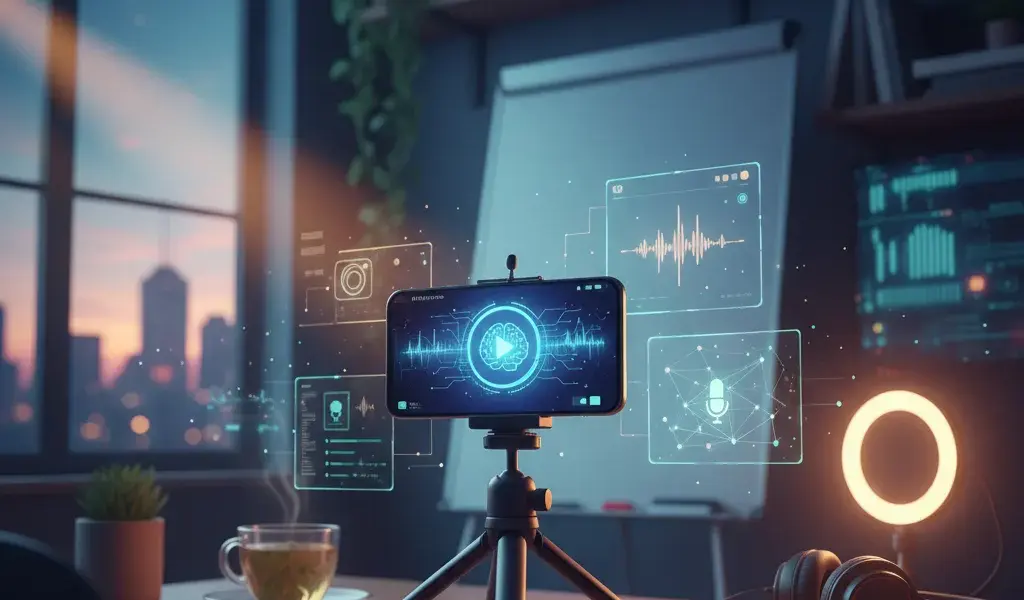
To turn your phone into a professional production machine, you just need to combine the smartphone's high-resolution camera with artificial intelligence (AI) tools to automate scripting, post-production and optimize the quality of course videos at home.
At Pham Hai, we realize that the biggest barriers for lecturers, experts and trainers are the initial investment costs and fear of technology. You don't need a camera worth tens of millions of dong. With just a smartphone combined with AI, you can completely create movies with sharp images, E-learning standards. This is the most effective way to make online video lectures today, helping you save maximum costs while still ensuring professionalism.
Step 1: “Hack” the phone camera - Set up to have sharp 4K image quality
For sharp 4K video, clean the lens, enable 4K recording at 30fps or 60fps in camera settings, lock focus (AE/AF Lock), and use the rear camera instead of the front camera.
This is a tip for recording professional course videos with your phone that I always apply and force my students to remember. Don't rush to record as soon as you open the app! Go into your phone's camera settings, choose the highest video resolution (Full HD or 4K) and frame rate (usually 30fps for static lectures, or 60fps if you have a lot of hand movement).
Remember to use a soft cloth to thoroughly clean the lens. Dirt and hand sweat are the main culprits causing blurry videos. A common mistake is that people like to use the front camera to film the lecturer live because they want to see their face. However, the rear camera always has a larger sensor, providing much better quality. Place your phone on a tripod or gimbal to completely prevent vibration. Once seated, ask a relative or manually press and hold your face screen to lock exposure and focus (AE/AF Lock). This small action helps the frame stay stable and not flash continuously when you move your hand to explain the lesson.
Step 2: 15-minute script with AI - No more stuck ideas or stumbling over words
Use AI tools like ChatGPT or Notion AI to create a detailed outline, then use the Teleprompter app on your phone to read the script fluently, without worrying about stumbling.
The course video recording script is the backbone of every lecture. Instead of sitting and scratching my head for hours, I often use AI to make course videos faster. Just enter the topic and target audience, and the artificial intelligence will return a detailed outline in a snap. You can ask the AI to write in an expert, humorous or inspirational tone depending on your personal branding style.
After having the course content, I use teleprompter apps installed right on my phone. The text will run on the screen at a moderate speed, helping you confidently look straight into the lens without fear of forgetting your lesson. Even if you are an introvert and shy about appearing in front of the camera, Creating AI videos from text without recording with tools like Vbee Text to Speech, Vyond, Powtoon or Animaker, Doodly is also an extremely smart alternative in 2026.
Step 3: Shoot and edit quickly with Capcut - Secrets for cutting, adding automatic subtitles and attractive effects
CapCut provides powerful AI features such as Auto-Edit, automatic background removal, automatic subtitles (Auto Captions) and transition effects, helping you complete course videos in just a few minutes.
Editing course videos with Capcut is the "true love" of online educators. This mobile course video editing software is extremely easy to use and constantly updated with new technology. Capcut's Auto Captions feature recognizes Vietnamese voices very accurately, helping students easily follow the lecture even when they are muted.
Besides, based on the latest updates in 2026, Capcut has integrated the Auto-Edit feature (Automatically cut out silent passages) and Color Correction (Automatic color correction with AI). It helps you cancel noise, smooth skin and adjust bright colors with just 1 touch. You can add graphics, effects, and transitions as smoothly as using Premiere Pro or Filmora on a high-end computer. Video editing and post-production are now easier than ever for beginners.
3 Factors that determine 80% of video quality (without spending a lot of money)
Clear sound, bright enough lighting and a neat filming background are the three key factors that determine the professionalism of the course video, accounting for 80% of the quality of the student experience.
Many instructors are so focused on finding cost-effective home course video recording equipment that they forget these three vital factors. Light and sound when filming a course video directly affect the learner's concentration. A sharp 4K video but echoey sound will also be considered unprofessional.
Sound: Don't let students lose their mood because of hissing sound - Which cheap lapel microphone do I trust?
Investing in a cheap wireless lapel microphone like GoChek or Boya (about 500k - 1 million VND) will help eliminate noise, bringing clear, professional sound to the lecture.
Students can tolerate a slightly blurry video, but they will definitely turn it off if the sound is muffled, soft, or mixed with too much traffic noise. Finding a quiet space is a necessary condition, but not sufficient. You are required to equip a specialized recording device.
With Pham Hai's experience, you don't need to buy expensive studio microphones worth tens of millions of dong. Wireless lavalier recording microphones such as GoChek, Boya or Rode Wireless Go dupes are currently very cheap but have excellent noise filtering ability. Plug the receiver directly into the smartphone's charging port, clip the microphone to your collar, and you'll have clear, warm sound quality, fully conveying knowledge to students.
Lighting: Tips to take advantage of natural light and just one LED light to create a studio-like frame
Place the camera facing the window to take advantage of natural light as the main light source (Key light), combined with a small LED Ring light at an angle to remove shadows on the face.
Natural light is a beautiful, realistic and completely free light source. Set up your shooting scene so that you sit facing or at a 45-degree angle from the window. Absolutely avoid sitting in backlight (with a window behind you) because your face will be dark and the phone camera will not be able to focus.
If you are a busy person and can only film at night or your room is dimly lit, invest in a Ring light or a small LED light (like cheap Colbor or Ulanzi lights). Place the light slightly above eye level and angle it slightly down at a 45-degree angle from your face. With just this simple setup, you can optimize the quality of your course videos at home without the need for bulky, expensive lighting.
Background: 5 ideas for professional "zero cost" background setup, goodbye to messy walls
Use bookshelves, small green plants, minimalist wall paintings, decorative LED lights or plain backgrounds (paper background) to create depth and professionalism for the video recording space.
Recording course videos without a studio is completely feasible if you know how to arrange the background. Don't let a messy bedroom ruin your professional image as a training expert.
Here are some suggestions for cost-effective camera setup setups:
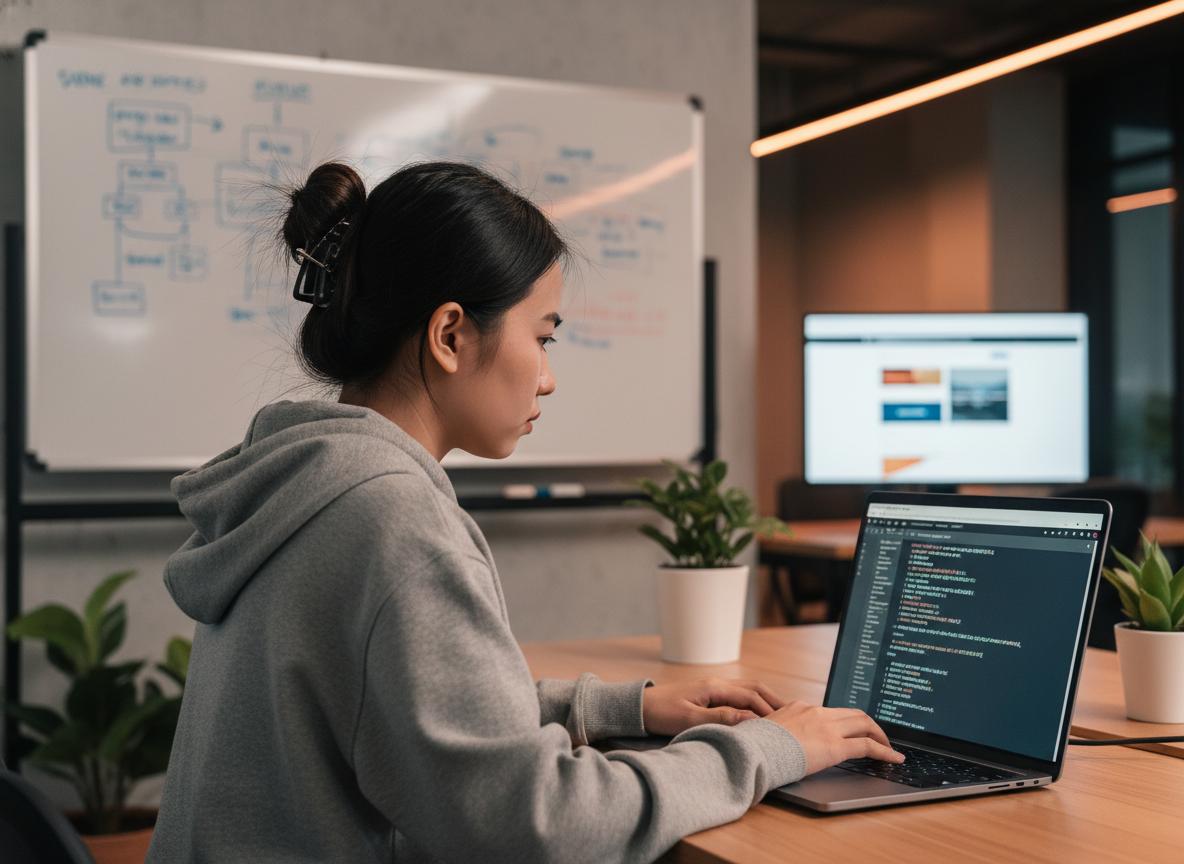
- Góc làm việc thực tế: Một chiếc bàn gọn gàng, một chiếc laptop đang mở và một chậu cây xanh nhỏ nhắn.
- Giá sách: Luôn là phông nền kinh điển tôn lên vẻ tri thức, cực kỳ phù hợp cho các nhà đào tạo.
- Tường trơn kết hợp đèn màu: Dùng một đèn LED RGB hắt ánh sáng màu (xanh dương hoặc cam) vào bức tường phía sau để tạo chiều sâu và điểm nhấn.
- Phông nền giấy/vải: Mua các cuộn phông nền trơn màu xám, trắng hoặc xanh pastel trên các sàn thương mại điện tử với giá rất rẻ.
- Dùng AI xóa nền: Nếu không gian quá hẹp và không thể dọn dẹp, hãy dùng tính năng xóa nền của Capcut hoặc Zoom và ghép một background studio ảo phía sau.
Take your course videos to the next level with tips from real-life experience
To make your video truly engaging, maintain a positive energy in front of the camera, use high-quality screen recording software when presenting slides, and avoid basic technical errors.
Learning to make video courses for beginners doesn't just stop at mastering mechanical techniques. Presentation skills and the way you interact with the camera are what keep students engaged until the end. Once you own quality videos, packaging and selling them on online learning platforms (such as YouTube, TikTok, Facebook, Udemy, Unica, Kyna, Edumall) will be much easier. If you want to build a loyal community of students and collect recurring fees, creating a Membership WordPress site to create paid content is an extremely wise online business strategy.
The technique of "speaking like an expert" in front of the camera (even if you are a newbie)
Imagine the camera lens is a friendly student, smiling, using flexible body language and voice accents to create attraction.
Many people, when standing in front of the camera, often have their webcams "stuck", their eyes stare without blinking and their voices are monotonous as if reading an assignment. My tip is to stick a photo of a smiley face or a photo of a close friend right next to the phone lens. Talk to it like you are confiding, sharing values with a friend.
Using your hands to express and changing your tone from low to high will help keep the lecture from getting boring. Don't be afraid of being wrong! If you stumble over your words, calmly stop for 3 seconds, take a deep breath, smile and say the sentence again from the beginning. The video editing stage later will help you cut out these extra paragraphs "sweetly" without anyone finding out.
Free but quality lecture screen recording software (when you need to record PowerPoint slides)
OBS Studio, ActivePresenter, Bandicam and Clipchamp are free screen recording software, do not contain logos (watermarks) and support high quality video export, extremely suitable for recording lecture slides.
If your course content is mainly software instructions, code, or PowerPoint slide presentations, you will need a free and stable lecture screen recording software on your computer.
Below is a review of the tools I regularly use:
| Software Name | Outstanding Advantages | Suitable For Audience |
|---|---|---|
| OBS Studio | 100% free, super sharp 4K recording, unlimited recording time. | Screen recording combined with complex webcam, powerful machine configuration. |
| ActivePresenter | Built-in video editing tools and interactive quiz creation. | Recording in-depth E-learning lectures requires a lot of notes. |
| Bandicam (Bản Free) | Good video compression, super smooth recording, easy to use Vietnamese interface. | Beginners (Note: Free version has limited time & logo). |
Lưu ý: Nếu bạn dùng máy Mac, phần mềm QuickTime có sẵn là quá đủ. Trên Windows 10/11, Xbox Game Bar cũng là một lựa chọn quay màn hình tích hợp sẵn rất tiện lợi mà không cần cài thêm ứng dụng.
3 common "deadly" mistakes beginners make and how to avoid them
The three biggest mistakes are: not checking the phone's capacity/battery before filming, skipping the sound test, and setting the wrong frame rate, causing the video to be cropped when uploaded.
In the process of consulting and supporting lecturers, I see that people often waste a lot of time and effort just because they make the following very basic mistakes:
- Quên bấm nút quay hoặc hết dung lượng giữa chừng: Rất đau lòng khi bạn nói say sưa, thăng hoa suốt 30 phút rồi phát hiện máy chưa quay hoặc báo đầy bộ nhớ. Hãy luôn dọn dẹp bộ nhớ điện thoại, sạc đầy pin và quay thử 10 giây để test hình ảnh, âm thanh trước khi bắt đầu "diễn" thật.
- Khung hình lộn xộn, sai tỷ lệ: Hãy áp dụng quy tắc 1/3 trong nhiếp ảnh. Mắt của bạn nên nằm ở đường 1/3 phía trên của màn hình. Đừng để khoảng trống trên đầu (headroom) quá nhiều khiến bạn trông lọt thỏm, cũng đừng quay sát mặt quá gây ngột ngạt cho người xem.
- Bỏ qua khâu marketing khóa học: Video hay đến mấy mà không ai biết thì cũng không tạo ra thu nhập thụ động. Hãy tìm hiểu các chiến lược marketing khóa học để tiếp cận đúng học viên. Khi bạn muốn mở rộng quy mô kinh doanh, việc đọc bài Teachable vs Thinkific so sánh platform bán khóa học sẽ giúp bạn chọn được nền tảng tối ưu nhất để lưu trữ và bán khóa học tự động.
See, creating a quality online course at home has never been easier and more economical. The barrier of expensive equipment or complex skills has been completely removed thanks to tiny smartphones and the extraordinary power of AI. Recording quality course videos at home does not depend on how good a camera you have and how bright the lights are, but the core lies in how willing you are to share your knowledge and values. Now don't hesitate any longer, start your journey to building your personal brand and creating sustainable values. To maximize profits from these lecture videos, you can absolutely refer to the extremely effective Selling courses on Udemy to earn passive income that many experts are applying.
Do you have any questions about lighting setup, choosing a microphone or how to use Capcut? Please leave a comment below, I will answer them all. And don't forget, try turning on your phone camera and record your first lecture video today!
Lưu ý: Thông tin trong bài viết này chỉ mang tính chất tham khảo. Để có lời khuyên tốt nhất, vui lòng liên hệ trực tiếp với chúng tôi để được tư vấn cụ thể dựa trên nhu cầu thực tế của bạn.